Test the offline routine before you rely on it
Use fictional notes for this check. Disconnect your Mac, open the last conversation, search for a person and add a follow-up. Reopen the workspace and check that the change remains. Then review where the workspace and its backups are stored; local storage and a backup plan are separate decisions.
What local-first actually means
In a local-first application, the primary copy you work with is stored on your device. The app can open, search and edit that data without contacting a service. This is different from a cloud application that downloads selected pages into a cache for offline use.
The distinction is about architecture, not whether an app has a desktop icon. Many desktop apps are clients for a cloud service. A local-first app can still offer optional network features, but core work should not depend on them.
Why the model fits recurring 1:1 notes
Leadership notes are sensitive, personal and useful over a long period. They also need to be available at inconvenient moments: before a meeting on a train, after a difficult conversation or when the office network is unavailable.
Keeping the working record on the Mac removes a central product notes database from the basic note-taking path. It also means the product itself has no organisation workspace or built-in employer admin view to administer. This does not override access an employer may have to a company-owned Mac, so device policy still matters.
Offline should cover the whole core workflow
Ask more than “does it work offline?” Check whether you can create notes, search history, view goals and update follow-ups without a connection. Also check whether you must mark pages for download in advance and what happens to embedded or AI-powered blocks.
Peoplelane’s notes, search, history and follow-ups work without a connection. Optional remote AI providers naturally require their own connectivity, while on-device Apple Intelligence can operate locally on supported hardware.
Local storage shifts responsibility to you
Cloud services usually handle replication and service backups. With local-first data, your backup routine matters more. Turn on FileVault, use a strong Mac login and keep an encrypted backup. Verify that the application’s data is included and test recovery before you need it.
A local file also needs a retention practice. Delete stale context that no longer helps you lead, especially when a reporting relationship ends. Follow your organisation’s data policy and applicable law regardless of where a file lives.
- Enable full-disk encryption with FileVault
- Use an encrypted backup and test a restore
- Keep macOS and the application updated
- Lock the Mac when it is unattended
- Review and remove notes that no longer have a legitimate purpose
Understand the collaboration trade-off
Real-time collaboration is a natural strength of cloud workspaces. A local, individual workspace is deliberately weaker at shared editing, central reporting and access from every platform. That is not a defect if the record is meant to belong to one leader, but it can be a decisive limitation for a shared team process.
Many managers use two tools: a shared agenda for the topics both people should see, plus a private local record for preparation and continuity. Clear boundaries are safer than trying to make one document serve every audience.
When Peoplelane is a fit
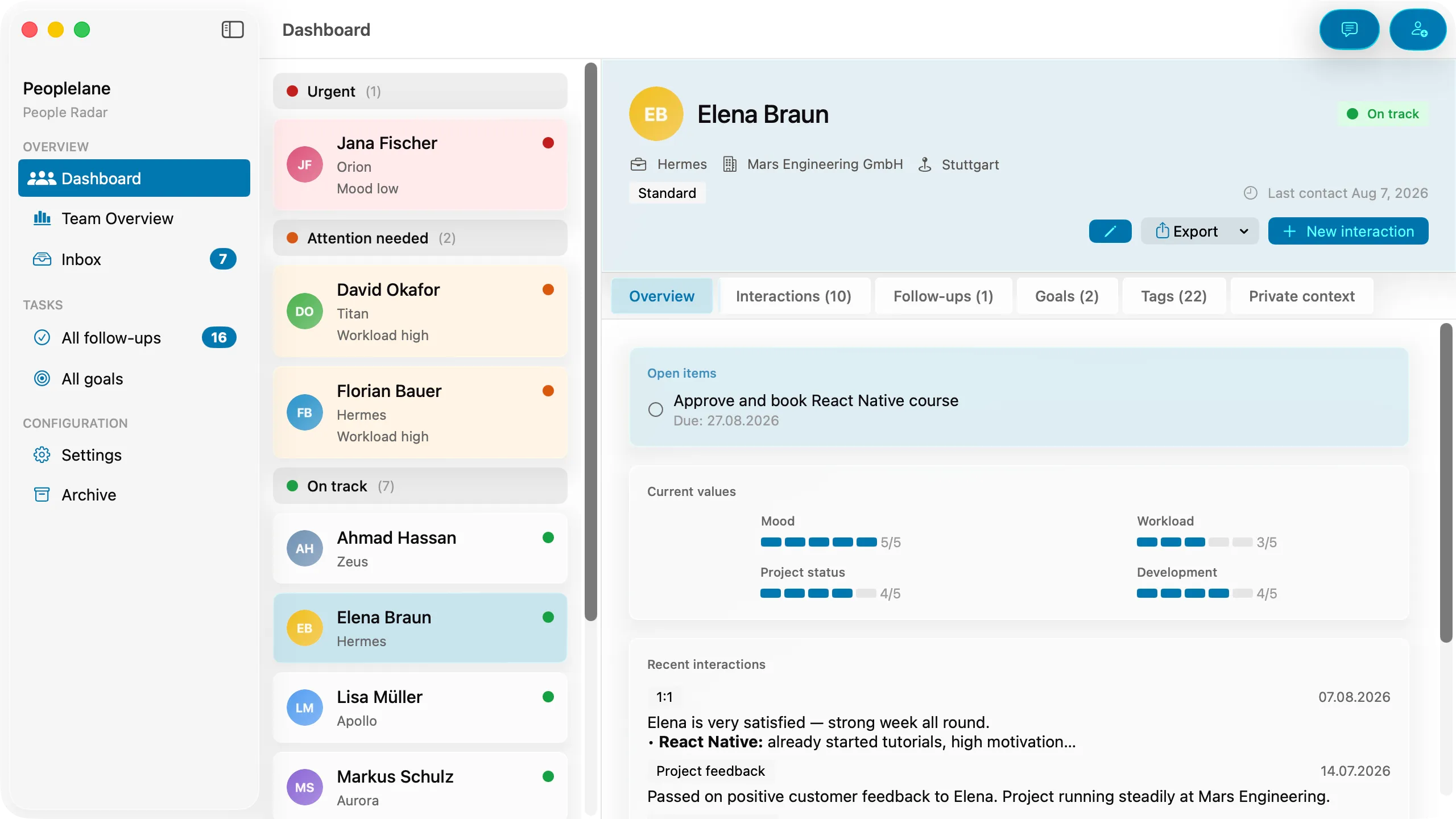
Peoplelane is built for Apple Silicon Macs running macOS 15 or later. It keeps the notes workspace in a file on the user’s Mac, works offline for core tasks and has no built-in employer admin view. It organises information by person, with conversation history, open follow-ups, development goals and private context.
It is not the right choice if you need Windows, web or mobile access, shared editing, central HR reporting or organisation-wide performance workflows. For those needs, a cloud workspace or dedicated people platform will usually fit better.
Keep the context for your next 1:1
Peoplelane is a private Mac workspace for conversation history, open follow-ups and development goals.
Notify me at launch