A practical worksheet · No signup required
The five-minute 1:1 preparation sheet
Start with what you owe the other person. Then choose one useful question and leave the agenda open.
Minute 1 · Read the last note
Find the previous conversation and the agreement you made. Read for context, not to reconstruct a transcript.
Minutes 2–3 · Check your own commitments
Look for the actions you own. If something is still unresolved, bring an honest status update rather than letting it disappear.
Minute 4 · Prepare one question
Choose a question connected to the last conversation. Avoid turning a short preparation into a checklist of things to ask.
Minute 5 · Leave space
Your preparation is not the other person’s agenda. Start by asking what would make this conversation useful for them.
Your next conversation
Person / date:

1. What did we agree last time?

2. What did I promise, and what is its current status?

3. What would be useful to revisit?

4. What do they want to discuss today?
   Leave this open until you ask.

After the conversation
Next step / owner / revisit date:
A filled-in example
Fictional example. Keep only the context you actually need; the worksheet is not a performance rating.
Person / date: Maya / 24 September

Last agreement: Maya wants to practise facilitating planning meetings.

My commitment: Check the course budget. The request is still pending; I will ask for an answer on Friday.

Revisit: Is the course still the most useful next step, or would co-facilitating a meeting help first?

Their agenda: Ask at the start. Do not fill this in for Maya.

After the conversation: Maya will co-facilitate Tuesday’s planning. I will share the budget update on Friday. Revisit how it went at our next 1:1.
Keep the worksheet connected to the person
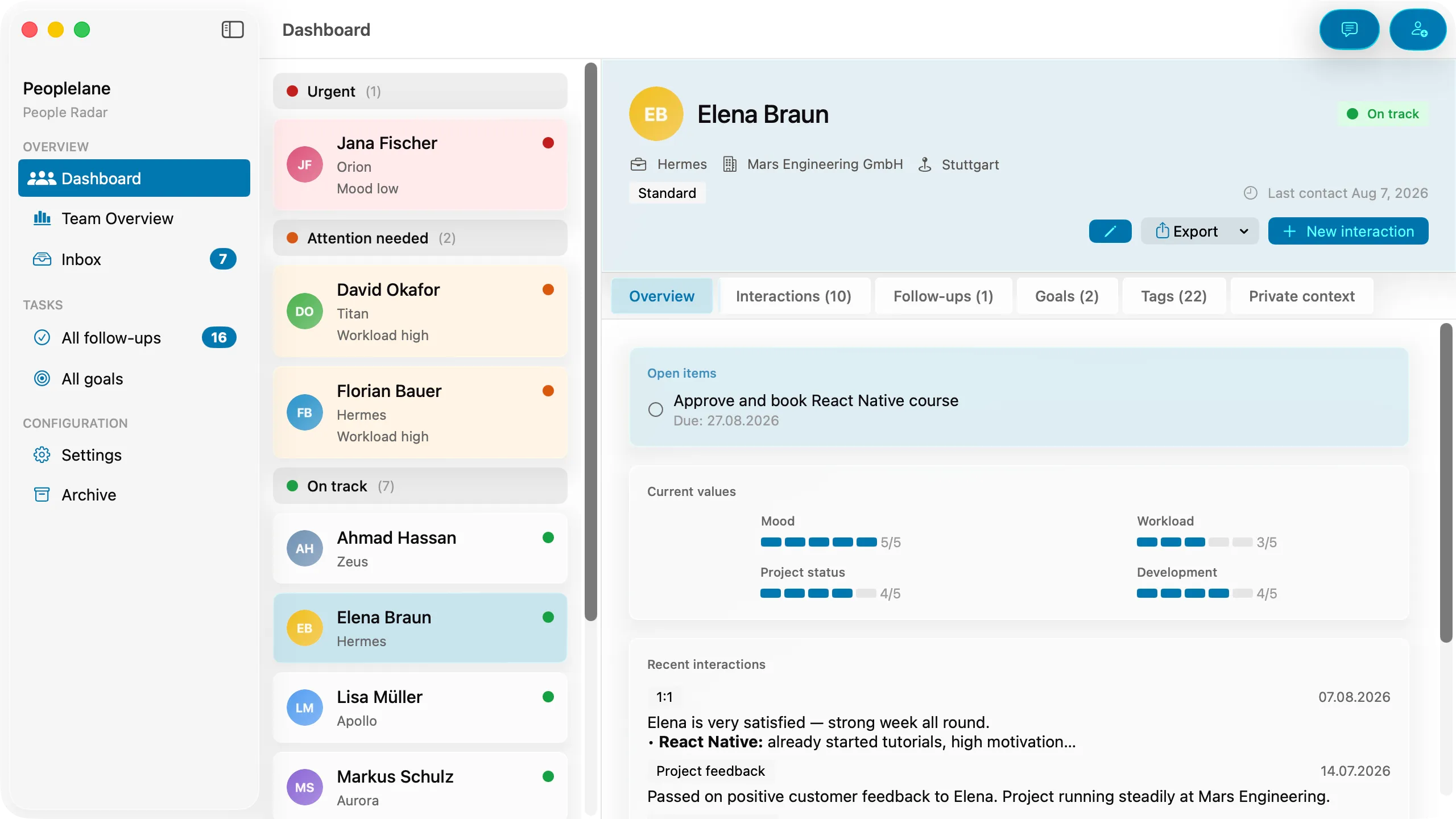
In Peoplelane, the conversation history, open follow-ups and development goals belong to the same person’s record. Review the last conversation and your open commitments before you meet again.
Not yet available on the Mac App Store. Get an email when it launches.
Notify me at launch