Rewrite an interpretation as a useful observation
Fictional example: replace “Maya has lost motivation” with “Maya said the last two planning meetings left little room for her input. Ask next time whether co-facilitating helped.” The second version distinguishes what was said from your interpretation and gives you something to discuss.
Define what private means in your situation
“Private” can mean hidden from colleagues, unavailable to workspace administrators, stored outside a vendor cloud or readable only on a device you control. Those are different guarantees. Write down which one you actually need before selecting a tool.
For sensitive leadership context, the most important questions are usually who owns the account, who can administer it, where the primary copy is stored and whether another party can revoke your access. A page marked private inside an employer-managed workspace may still sit within an account controlled by the employer.
Audit the account, not just the page permissions
Check whether you signed in with a work email, whether the workspace is managed by your organisation and which administrator capabilities exist on your plan. Also check export, retention and deletion rules. A permission icon tells you who can open a page in normal use, but it may not describe every administrative capability.
If the notes need to remain under your control, prefer a personal account or a local application on a device you control, subject to your organisation’s policies. Do not move company information to a personal system if your employment agreement or security policy prohibits it.
- Who owns the account and can disable it?
- Can workspace owners search, export or change access?
- Where are live data and backups stored?
- Can you export a readable copy and delete the original?
- What does your employer’s policy allow?
Write less, but write what you need
Privacy is partly a data-minimisation practice. Avoid diagnoses, speculation and details that do not help you lead the person. Record observable facts, commitments and context that you expect to use. If a sentence would be harmful or misleading without your memory of the conversation, rewrite it with the missing context or leave it out.
Never treat private notes as a shadow performance file. Formal performance concerns belong in the processes your organisation has defined, with appropriate transparency and access rights. Private notes should support better conversations, not bypass governance.
Treat AI as a separate data flow
When an AI feature processes a note, ask which provider receives the text, whether it leaves the device, how long it is retained and whether it is used for training. An application can store its main database locally while still sending selected text to a remote model.
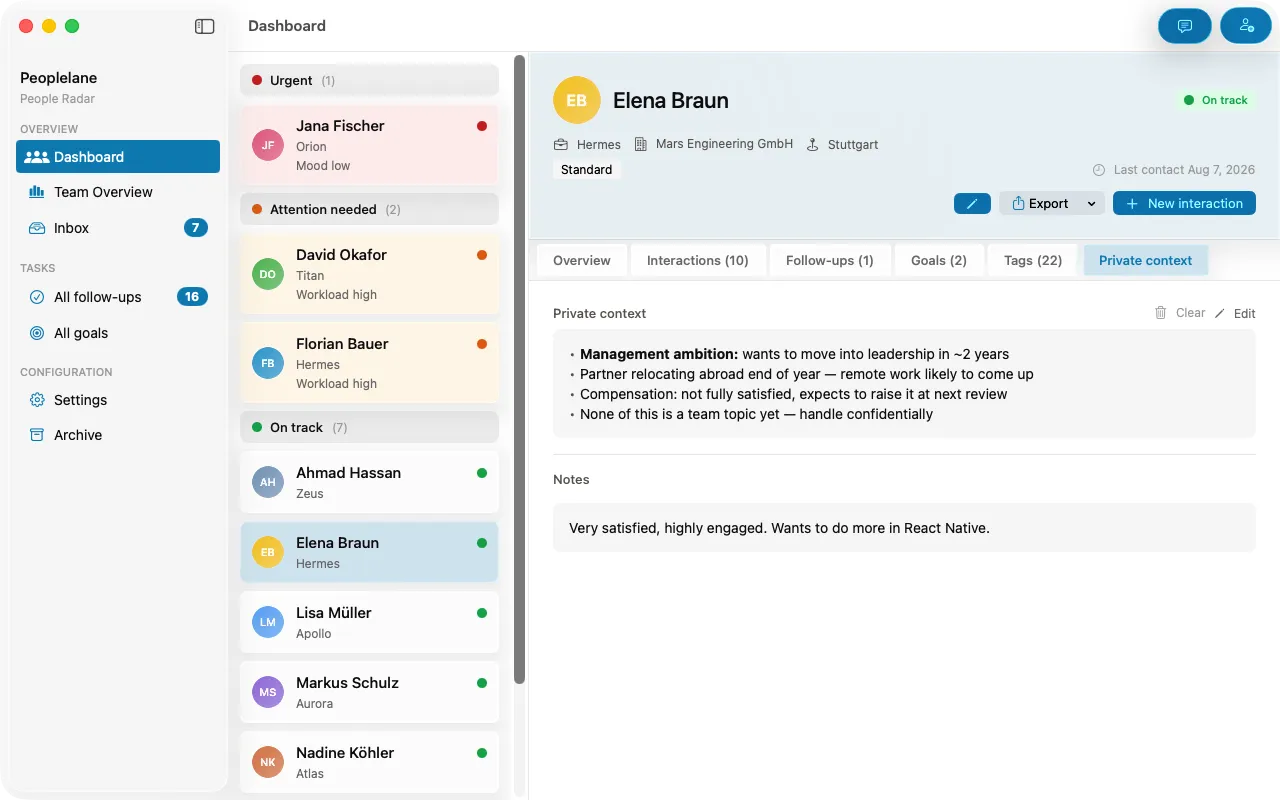
Peoplelane keeps AI optional. Its default Apple Intelligence route runs on-device on supported Macs, and configured third-party providers use the user’s own key. In every case the result is a draft that the user reviews before saving. Whatever tool you choose, review generated summaries for wrong attribution, invented certainty and details that should not be retained.
Protect the device and plan for departure
Local storage removes a cloud account from the trust chain, but it does not make the device invulnerable. Use full-disk encryption, a strong login, prompt operating-system updates and an encrypted backup. Lock the screen when you step away.
Finally, decide what happens when your role changes. Close or hand over shared commitments, retain only what policy and law permit, and remove notes that no longer serve a legitimate purpose. Privacy is a lifecycle, not a folder setting.
Keep the context for your next 1:1
Peoplelane is a private Mac workspace for conversation history, open follow-ups and development goals.
Notify me at launch