Try the same small task in every tool
Before comparing features, use fictional data to record one conversation, create one commitment due next week, and retrieve both as if the next meeting starts in five minutes. Note which steps require an extra database, reminder app or manual search. A feature list alone will not tell you how the workflow feels.
Peoplelane publishes this guide and is one of the products discussed. Treat it as a workflow comparison, not an independent ranking. Check each vendor’s current documentation before deciding; capabilities and plans can change.
Start with the workflow, not a feature checklist
Engineering managers often need two records at once. The first is a shared agenda where both people can add topics and see commitments. The second is private working context: feedback to prepare, patterns to verify and details that help the manager follow through.
No category is best at everything. A flexible workspace can support many teams and templates. A dedicated HR platform can support consistent organisational processes. A local notebook can maximise individual control. Choose the category first, then compare products within it.
Configurable team workspaces
Tools such as Notion are strong when you want templates, databases, linked project context, shared pages and broad platform access. A thoughtful manager can build a capable 1:1 system and adapt it as the team changes.
That flexibility is also work. You must design and maintain the structure, decide permissions and keep action items visible. In an organisation-owned workspace, confirm what administrators can access. For a detailed decision, read our Peoplelane and Notion comparison.
Dedicated 1:1 and people-management platforms
Dedicated platforms often provide agendas, reminders, feedback workflows and reporting with little setup. They suit organisations that want a common management process and central visibility.
That model may be exactly right for formal reviews and company programmes. It is less suitable when the manager wants a private working space outside an HR system. Check whether the product is sold to the individual manager or to the organisation, because that usually reveals who controls the data.
Personal notes and local-first tools
Apple Notes, Obsidian and plain files give the individual more control and can work well offline. They are fast, flexible and useful beyond 1:1s. The manager must create the conventions for people, dates, follow-ups and goals.
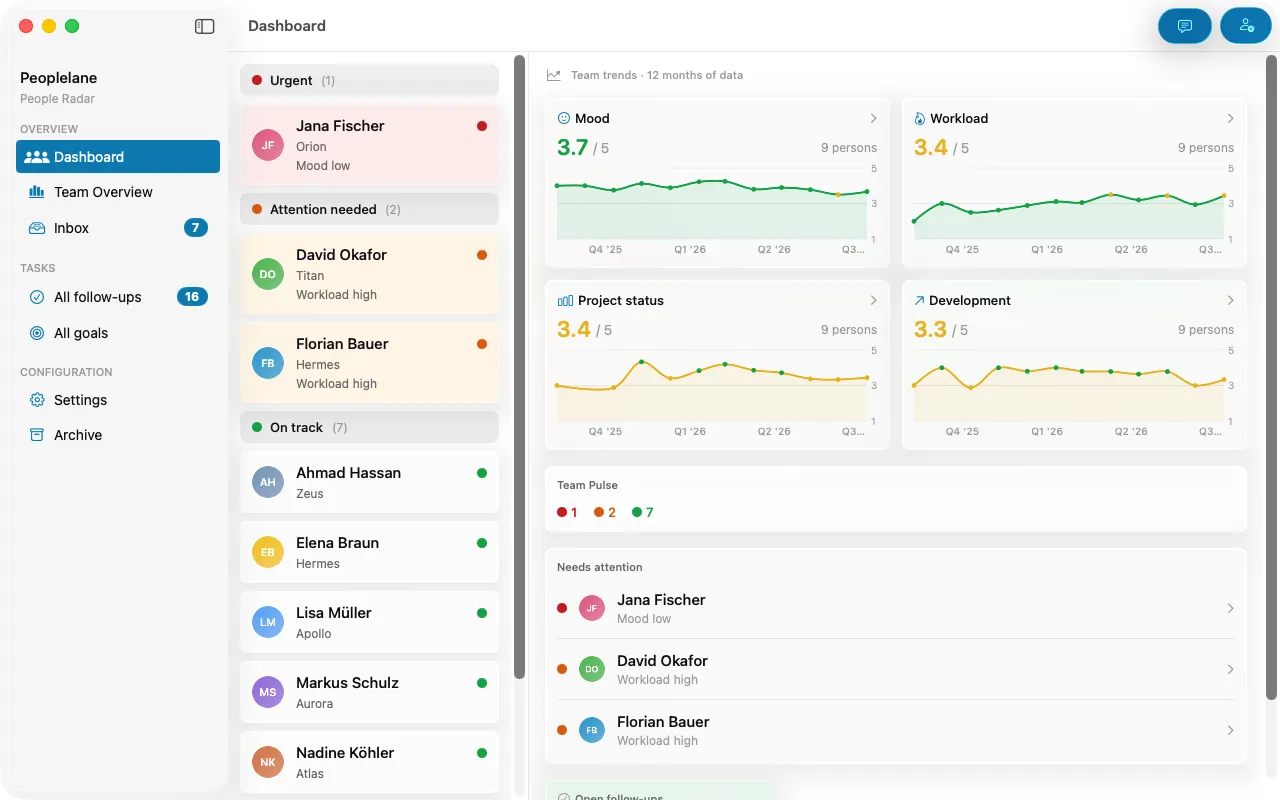
Peoplelane sits between a general local notebook and a people-management platform. It provides a person-centred history, follow-ups, goals and optional AI, stores the workspace on the user’s Mac and has no built-in employer admin view. It is Mac-only and intentionally does not provide real-time collaboration or organisation-wide reporting.
A practical evaluation scorecard
Test each candidate with a real, low-sensitivity workflow before migrating your history. Create two people, record a conversation, add a commitment and prepare for a second meeting. Then try to export the result and use it without a network connection.
- Can you find the last conversation in under a minute?
- Are open commitments visible without rereading notes?
- Can goals survive across many meetings?
- Is the access model appropriate for sensitive context?
- Does offline mode cover the pages and actions you need?
- Can you export a useful, readable record?
- Will you still maintain this system after three busy months?
Short recommendation by need
Use a shared document when joint preparation matters most. Use Notion when you want a configurable team workspace and will maintain the system. Use an HR platform when the organisation needs common workflows and reporting. Use a general local notebook when you value flexibility and enjoy building your own structure. Consider Peoplelane when you use a supported Mac and want a private, purpose-built record for recurring leadership conversations.
Compare Peoplelane with four 1:1 and manager tools, including Notion, Apple Notes, Confab and Lattice.
Keep the context for your next 1:1
Peoplelane is a private Mac workspace for conversation history, open follow-ups and development goals.
Notify me at launch