Peoplelane vs Notion
A private Notion alternative for 1:1 notes
Notion is a flexible shared workspace. Peoplelane is a private, local-first 1:1 workspace stored on your Mac.
The short answer
Notion and Peoplelane solve different problems. Notion gives teams flexible building blocks for shared work. Peoplelane gives one leader a structured, private place for recurring 1:1 context.
If collaboration and cross-platform access matter most, Notion is usually the stronger choice. If local storage, offline availability and the absence of an employer admin view matter most, Peoplelane is the more direct fit.
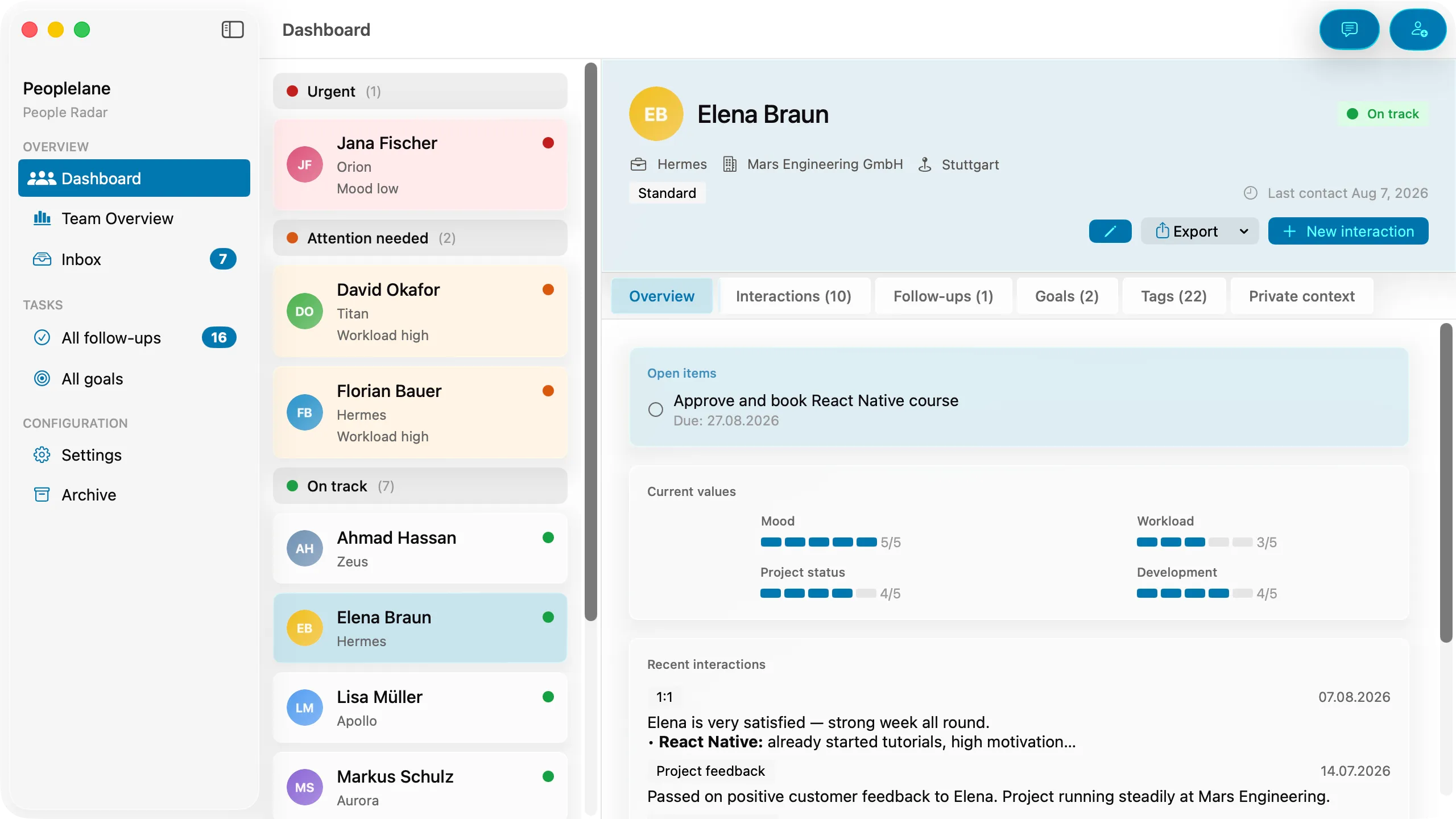
Peoplelane and Notion compared
Product capabilities and public pricing were checked against both products’ current published information on 16 August 2026.
| Criterion | Notion | Peoplelane |
|---|---|---|
| Main purpose | Flexible workspace for docs, knowledge, projects and collaboration | Private leadership workspace for recurring conversations |
| Data storage | Customer data is stored in Notion’s cloud infrastructure; selected pages can also be downloaded for offline use | The notes workspace is stored in a file on the user’s Mac rather than in a Peoplelane-hosted notes database |
| Privacy model | Account, workspace roles and page permissions control access in a cloud service | Single-user, local-first workspace without a built-in organisation admin role |
| Offline use | Desktop and mobile apps can download individual pages; paid plans also auto-download recent and favourite pages | Notes, search, history and follow-ups work offline without selecting pages in advance |
| Employer or admin access | In an employer-managed workspace, workspace owners may have access to data, including private pages; Enterprise also has admin content search | No built-in employer dashboard or Peoplelane admin view for the local workspace. Device management by an employer remains a separate consideration |
| 1:1 history | Can be built with pages, templates and databases | Built in as a chronological history for each person |
| Open follow-ups | Can be modelled with checkboxes, tasks or databases | Built-in open items remain visible across conversations |
| Proactive attention | Pages and databases can show status, but alerts and prioritisation need to be configured | The product highlights people who need attention, including overdue follow-ups and syncs that need action |
| Development goals | Can be created with pages and databases | Built-in goals live with each person across conversations |
| AI | Notion AI works with workspace context; availability and limits vary by plan | Optional. Use on-device Apple Intelligence or a configured provider. Every result is reviewed before saving |
| Collaboration | Strong real-time sharing, comments, permissions and team workflows | No shared editing or organisation workspace; designed for one leader |
| Platforms | Web, macOS, Windows, iOS and Android | Apple Silicon Macs running macOS 15 or later |
| Customisation | High. Templates, databases, properties, integrations and automations | Deliberately focused structure with less configuration |
| Price checked 16 Aug 2026 | Free plan; Plus $10 per member/month; Business $20 per member/month on the displayed monthly pricing. Enterprise is custom | Free for up to three people; then CHF 9/month or CHF 90/year, with price and currency depending on region |
Prices exclude possible taxes and can change. Check each product’s current pricing before deciding.
Why a team workspace and a leadership workspace feel different
A universal workspace starts with flexible objects: pages, blocks, databases and permissions. That makes Notion useful for engineering plans, decision records, onboarding, project tracking and shared 1:1 agendas. The user decides what the system becomes.
A private leadership workspace starts with a narrower model: people, conversations, commitments, development goals and long-term context. The structure is already decided, so there is less setup and less room to create a bespoke workflow.
That structure also changes what the manager sees first. Peoplelane is not only a place to store a list. It can call out people who need attention, such as an overdue follow-up or a sync that needs action, so the next step is visible instead of waiting for a manual search.
Neither approach is inherently better. Flexibility is valuable when the system must fit many teams. A fixed model is valuable when the same retrieval problem happens every week: “What did we discuss, what is still open and what should I remember before the next conversation?”
Choose Notion if ...
- You want a shared agenda that both people can edit.
- You need web, Windows or mobile access as well as Mac.
- You want to connect 1:1 notes to projects, wikis and team databases.
- You enjoy building templates and maintaining a custom system.
- Your organisation has approved Notion for this data and its admin model meets your needs.
Choose Peoplelane if ...
- You want the notes workspace stored on your Mac rather than in a product cloud.
- You need the full core workflow without an internet connection.
- You want follow-ups, goals and history built in without designing a database.
- You do not need real-time collaboration or organisation-wide reporting.
- You use a supported Mac and want optional AI with review before saving.
A useful two-tool workflow
The choice does not have to be exclusive. A shared Notion page can hold the agenda, decisions and commitments that both participants should see. Peoplelane can hold the manager’s private preparation, conversation history and reminders.
Keep the boundary clear. Do not duplicate sensitive details into the shared page by accident, and do not use private notes to avoid transparent formal processes. If your organisation has rules about where work information may be stored, those rules still apply to local software.
Sources used for this comparison
For Notion, we checked the official pricing and plan comparison, offline documentation, workspace-owner access guidance, admin content search documentation and privacy practices. Peoplelane details were checked against the current product information and live Peoplelane site.
Decision questions
Is Notion private enough for 1:1 notes?
It can be appropriate when you understand and accept the workspace ownership and permission model. If you use an employer-managed account, Notion states that the workspace owner could access data stored there, including private pages. A personal Notion workspace has a different ownership context, but the data still lives in a cloud service.
Can I use Notion offline for 1:1 meetings?
Yes, in the desktop and mobile apps. You download individual pages for offline use. On paid plans, recent and favourite pages are downloaded automatically. Some blocks require a connection, and subpages do not automatically follow the parent download.
Does Peoplelane replace a shared 1:1 agenda?
Not necessarily. Peoplelane does not provide real-time collaboration. Many managers can use a shared document for the agenda and Peoplelane for private preparation, history and follow-through.
Which is more flexible?
Notion. Its pages, databases, templates, integrations and sharing options support far more workflows. Peoplelane trades that breadth for a purpose-built structure around people, conversations, follow-ups and goals.
Which tool works on more platforms?
Notion. It supports web, desktop and mobile use. Peoplelane currently requires an Apple Silicon Mac running macOS 15 or later.
A focused workspace for your next 1:1
Not yet available on the Mac App Store. Get an email when it launches.
Notify me at launch